









Applying for or renewing a passport used to mean taking a full day off work, standing in unending queues, and dealing with endless paperwork. Thanks to digitized government portals, over 90% of the passport process can now be completed online from the comfort of your couch.
Whether you are applying for your very first passport, renewing an expired one, or trying to navigate police verification, this definitive, step-by-step guide covers everything you need to know.
Bookmark this page! Keep this ultimate cheat-sheet saved so you can reference document lists, fee structures, and tracking steps whenever you or your family need them.
Quick Reference: Documents Required at a Glance
Before jumping into the application steps, make sure you have valid copies of these essential documents ready.
| Purpose | Primary Documents Accepted |
| Proof of Identity (PoI) | Aadhaar Card, PAN Card, Voter ID, Driving License |
| Proof of Address (PoA) | Aadhaar Card, Electricity Bill, Bank Passbook, Rent Agreement |
| Proof of Date of Birth (DoB) | Birth Certificate, Matriculation/10th Marksheet, Aadhaar Card |
| Non-ECR Proof (Educational) | 10th Standard or higher Educational Pass Certificate |
Step 1: How to Apply for a New Passport Online
Applying for a fresh passport online requires just a few basic steps on the official portal.
1. Account Registration
- Visit the official Passport Seva Portal (
passportindia.gov.in). - Click on “Register Now” under the New User section.
- Select your nearest Passport Office or Passport Seva Kendra (PSK).
- Fill in your basic details (Name, DOB, Email ID) and set up your Login Credentials.
2. Filling Out the Application Form
- Log in with your newly created account.
- Click on “Apply for Fresh Passport/Re-issue of Passport”.
- You can either download the soft-copy PDF form to fill offline or fill out the Online Form directly (recommended for speed).
- Carefully enter your personal details, family details, present address, and emergency contacts exactly as they appear on your government IDs.
3. Payment and Appointment Booking
- Go to the “View Saved/Submitted Applications” screen.
- Select “Pay and Schedule Appointment”.
- Select your preferred appointment slot at your nearest PSK or Post Office Passport Seva Kendra (POPSK).
- Pay the mandatory fee online using Net Banking, Debit/Credit Card, or UPI.
Pro Tip: Passport appointment slots usually open at specific times (often between 10:00 AM and 1:00 PM depending on the regional office). Log in 5 minutes early to secure your preferred date and time slot!
Step 2: Passport Renewal & Re-Issue Made Easy
Is your passport expiring in less than a year, or have you run out of pages? Here is how renewal works.
Difference Between “Renewal” and “Re-Issue”
- Renewal: Done when your passport has reached its validity expiration date.
- Re-Issue: Done if your passport is lost, damaged, has exhausted its pages, or if you need to change personal particulars (address, surname change post-marriage, etc.).
Documents Needed for Renewal
- Original Old Passport
- Self-attested copies of the first two and last two pages
- Proof of Address change (only if your present address has changed)
- Proof of Document for any requested changes (e.g., Marriage Certificate for surname update)
Step 3: Mastering the PSK Appointment Day
Your appointment day is all about document verification and biometric capturing. Here is how to ensure a smooth visit:
- Arrive Early: Reach the venue at least 15 minutes before your scheduled time slot.
- Carry Originals: Bring all original documents along with two sets of self-attested photocopies.
- The 3-Counter System:
- Counter A: Document scanning, photo capture, signature, and biometric data collection.
- Counter B: Verification of original documents by a Verifying Officer.
- Counter C: Final approval by the Granting Officer.
Step 4: Tracking Application Status & Police Verification
Once your appointment is complete, your file enters the processing and verification phase.
Understanding Police Verification (PV)
- Pre-Passport Verification: Done before the passport is printed (standard for fresh applicants).
- Post-Passport Verification: Done after the passport is issued (common for Tatkaal applications or simple renewals).
- No Verification: Typically applies to government employees or minors with valid parental passports.
When the local police officer visits your house or calls you to the station, ensure you carry:
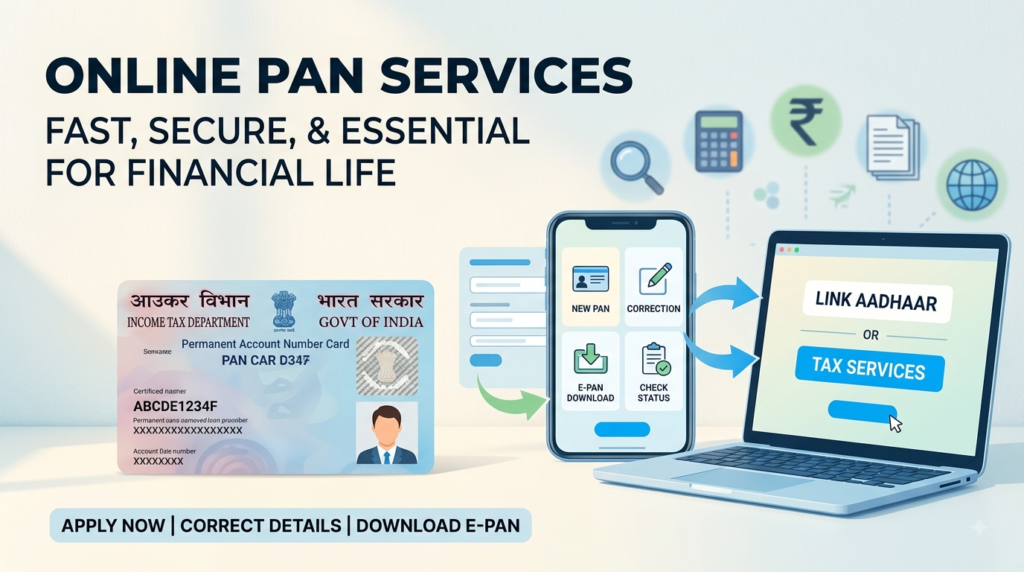
- Aadhaar Card & PAN Card
- Two neighbor recommendations/verifications (if required locally)
- Original rental agreement or utility bills
How to Track Your Status Live
- Go to the “Track Application Status” tab on the official portal.
- Select your application type (Passport/PCC/IC/GEP).
- Enter your 15-digit File Number and Date of Birth.
- Click “Track Status” to get real-time updates.
Bonus: Other Essential Citizen Services You Can Access Online
Most government portals now integrate several key citizen documentation services under one ecosystem:
- Police Clearance Certificate (PCC): Essential for foreign employment, long-term visas, or immigration.
- Birth & Death Certificates: Can be applied for, corrected, or downloaded via municipal corporation portals.
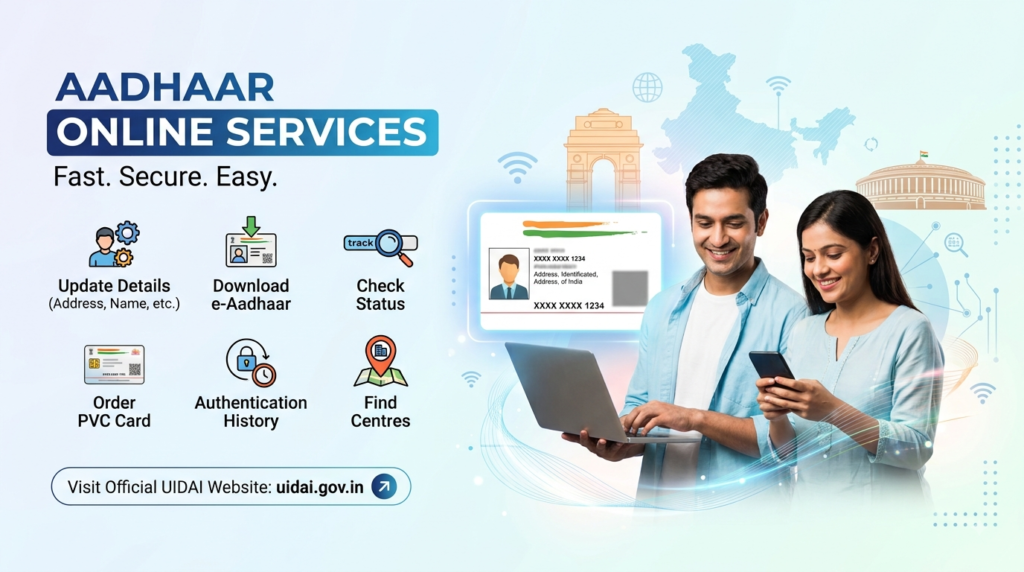
- Aadhaar Services: Address updates, document re-validation, and mobile number linking updates via the UIDAI portal.
- Voter ID Services: New voter registration, address changes, and downloading the digital e-EPIC card via NVSP.
Frequently Asked Questions (FAQs)
1. How long does it take to get a standard passport?
Under normal processing, a standard passport usually takes 10 to 21 working days (inclusive of police verification). Through the Tatkaal Scheme, it can be issued within 1 to 3 working days.
2. Can I apply for a passport if my current address is different from my permanent address?
Yes! You can apply from your current address. You simply need to provide valid Proof of Address for your current residence (such as a registered rent agreement, utility bill, or employer letterhead).
3. What should I do if I lose my passport?
Immediately file a First Information Report (FIR) at the nearest police station. Afterwards, apply for a Re-issue of Passport under the “Lost/Damaged” category on the online portal, submitting a copy of the FIR alongside your application.
4. Is an Aadhaar Card mandatory for a passport application?
While not strictly mandatory, an Aadhaar Card significantly speeds up the verification process and serves as valid proof for identity, address, and date of birth simultaneously.
Important Disclaimer: This article is strictly for general informational and educational purposes. We are not affiliated with, authorized by, or associated with any government agency or official passport authority. For official applications, online payments, and formal guidelines, please visit the official government portal at
passportindia.gov.inor your local government’s official citizen portal.